
Start for free
Start today
on the Free plan
No sign-up required.
Install it into Salesforce from AgentExchange.
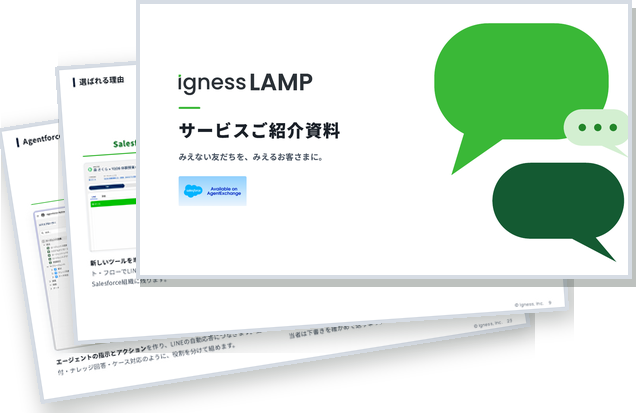
How to get started
STEP 1
Install from AgentExchange
Install the Igness LAMP package in Salesforce and assign permission sets.
STEP 2
Authenticate in the setup assistant
Authenticate without a contract ID to start on the Free plan.
STEP 3
Connect your LINE Official Account
Once connected, friend adds and messages start arriving in Salesforce.
Packages to install
Install the core package first. Add the extension packages for the features you use.
Required
Igness LAMP
The core package that connects your LINE Official Account to Salesforce.
View on AgentExchangeIf you use Agentforce
AI Agent Extension Package
Lets Agentforce read LINE conversations and reply on LINE.
View on AgentExchangeIf you use Data 360
Data 360 Extension Package
Brings your LINE friends and conversation data into Data 360.
View on AgentExchangeWhat you need
- Salesforce
- Enterprise or Unlimited Edition (Sales Cloud, Service Cloud or Platform), or Core or Advanced
- LINE Official Account
- Your official account
What's included in Free
- Official account
- 1
- Messages
- Up to 200 a month
- AI auto-replies
- Paid plans only
- AI reply suggestions
- Included
Run your LINE Official Account
inside Salesforce
Salesforce, Agentforce, Data 360 and AgentExchange are trademarks of Salesforce, Inc. LINE is a trademark or registered trademark of LY Corporation.